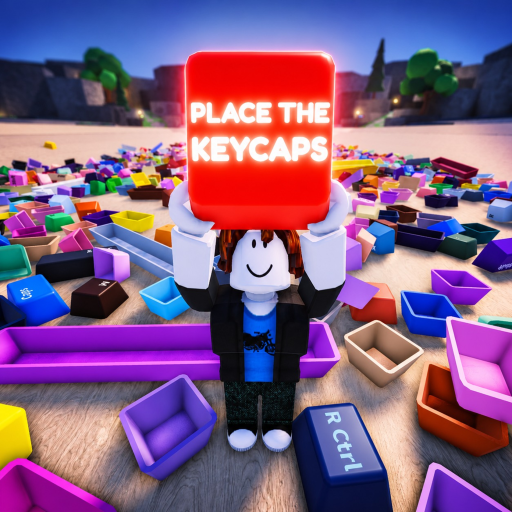
Place the Keycaps Keyboard Layout
Use the visible 58-slot board as the layout authority: match legend first, physical size second, and color as a supporting clue rather than assuming a standard full-size keyboard.
Keyboard Layout: direct answer
Use the visible 58-slot board as the layout authority: match legend first, physical size second, and color as a supporting clue rather than assuming a standard full-size keyboard.
Sources reviewed: Place the Keycaps - 1 Hour Gameplay and Place the Keycaps - Roblox.
Keyboard Layout: verified facts
| Fact | Evidence status |
|---|---|
| 58-slot | Verified source term |
| letters | Verified source term |
| modifiers | Verified source term |
| size | Verified source term |
| color | Verified source term |
Keyboard Layout: player workflow
Reading the board
The reviewed recording shows a compact collection board with standard-size positions and wider modifier-shaped spaces. Because the game tracks 58 items, a generic 104-key desktop diagram is the wrong reference. Start from visible anchors such as letter clusters, number-row legends, and unmistakably wide edge keys.
Matching order
Read the held-tray legend, compare the cap width with the open space, and then use color to choose between plausible locations. A stylized colorway can group related caps visually, but the official sources do not define color as rarity or placement. Confirm success from the filled slot and higher counter. If two positions look possible, leave the cap in the unresolved group until neighboring anchors are filled.
Keyboard Layout: verification checklist
- Do not use a generic 104-key diagram for a game board that visibly tracks 58 caps.
- Anchor the layout with readable letter and number legends shown in the held tray.
- Reserve wide board positions for caps whose physical width visibly matches.
- Use neighboring filled positions to resolve an ambiguous legend or stylized colorway.
- Confirm every proposed layout match with a counter increase in the current beta build.
- Leave unresolved positions open rather than forcing a color-only match.
- Use the live board itself when a decorative cap legend differs from a generic keyboard diagram.
When the board changes, rebuild the row map from visible slots rather than from memory. The live layout is the authority. Write down anchors, count gaps in each row, then compare loose legends against those gaps before moving small punctuation pieces.
A row map should list only positions visible in the current client. If a future update adds or removes a block, update the map after checking the live board and a fresh video or API snapshot. Do not preserve an old row count merely because it appeared in a previous guide.