database2026-07-14
Place the Keycaps Badge Progress
Sorted All Keycaps is the verified completion badge; use the board and x/58 counter to find progress, then use the badge award only as final confirmation.
Read more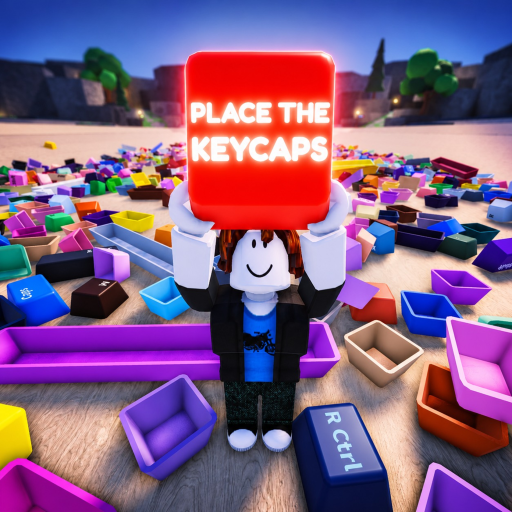 Place the Keycaps Wiki
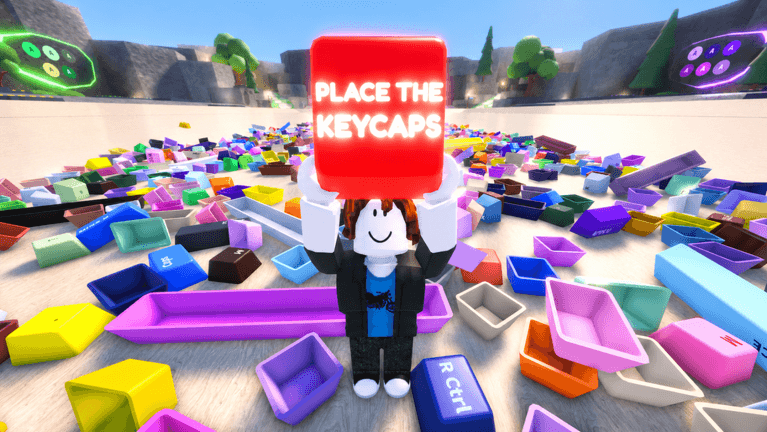 Roblox game media
Keycap sorting evidence, collection tables, rarity caution, badge progress, and item-note templates.
Keycaps pages for Place the Keycaps start with official Roblox facts and mark video titles as weak signals.
Every listed card links to a real MDX article with metadata, tables, FAQ, and source-labeled body copy.
Sorted All Keycaps is the verified completion badge; use the board and x/58 counter to find progress, then use the badge award only as final confirmation.
Read moreUse the visible 58-slot board as the layout authority: match legend first, physical size second, and color as a supporting clue rather than assuming a standard full-size keyboard.
Read moreTreat the keyboard as rows and clusters, record completed groups, and search for the exact missing legend instead of repeatedly sorting the entire pile.
Read moreNo official individual keycap rarity table was found; colors, sizes, pile visibility, and badge award rates must not be presented as common, rare, epic, or legendary tiers.
Read moreSort high-confidence legends and distinctive sizes first, clear one board region at a time, isolate ambiguous caps, and save the final scan for the remaining empty shapes rather than chasing supposed rarity.
Read more